User Guide
Everything the app can do.
A complete walkthrough of Drum Buddha — every tab, every tool, every screen. Start at the top or jump straight to what you're looking for.
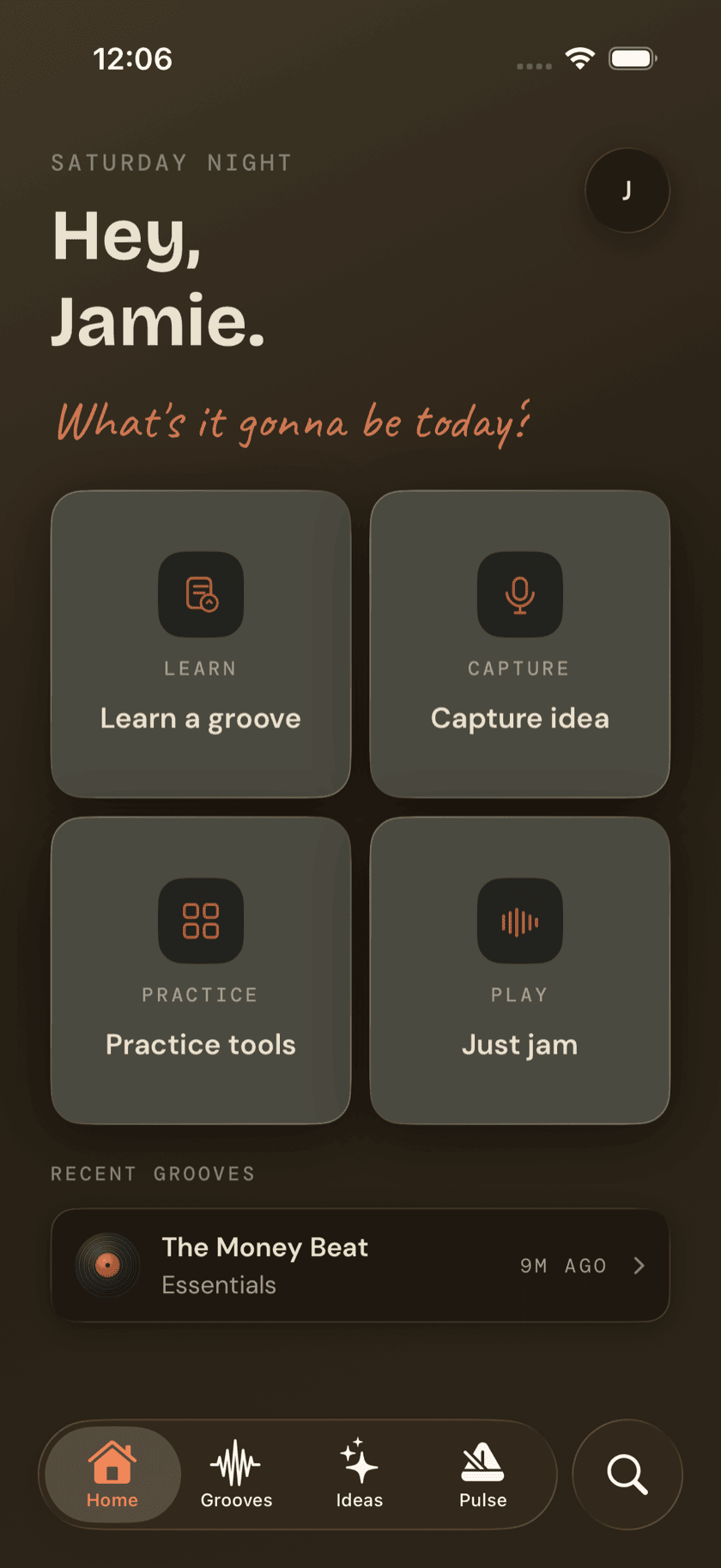
Basics
Getting Started
How the app is laid out, what first-run setup covers, and how to find anything once you're in.
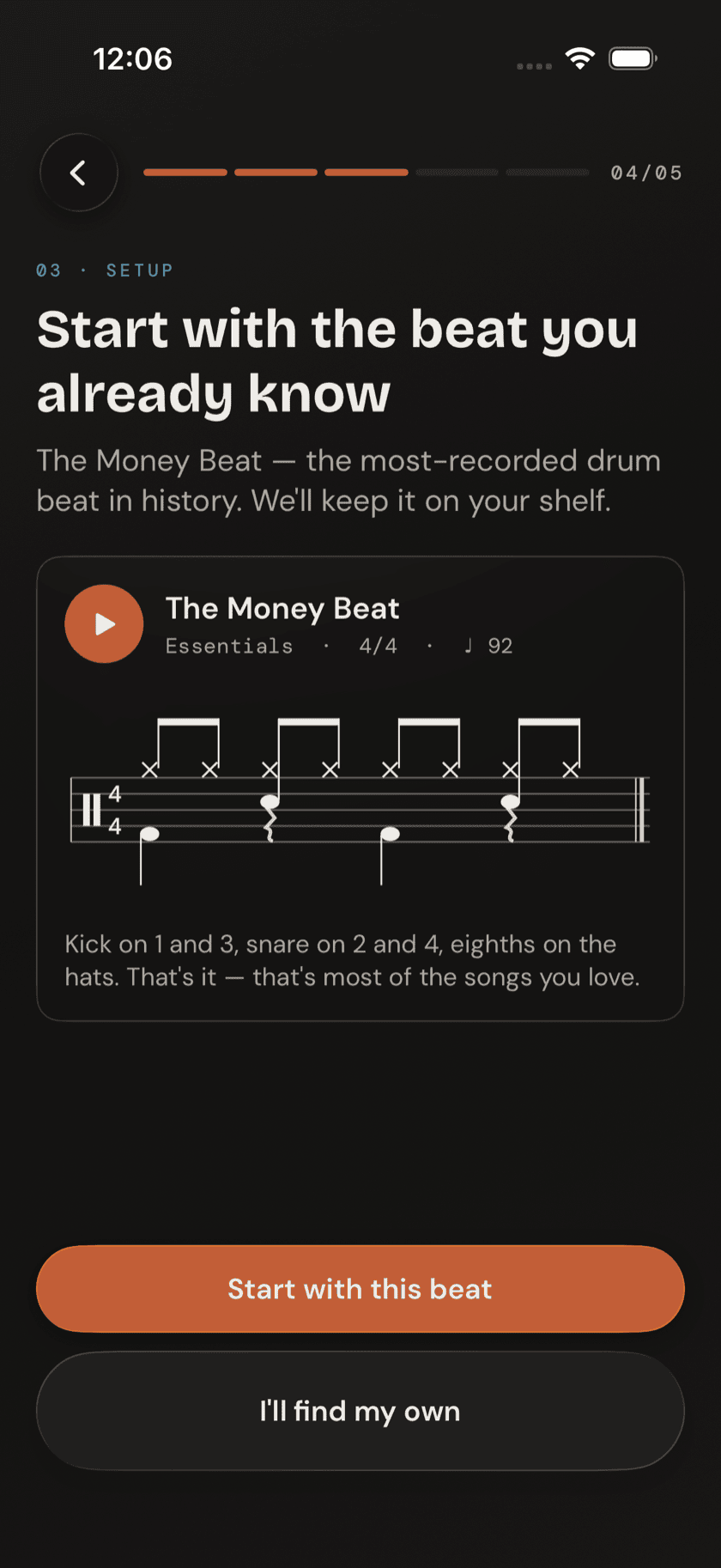
Basics
Your First Two Weeks
Which tools, in what order — one groove, two rudiments, and your first fill.
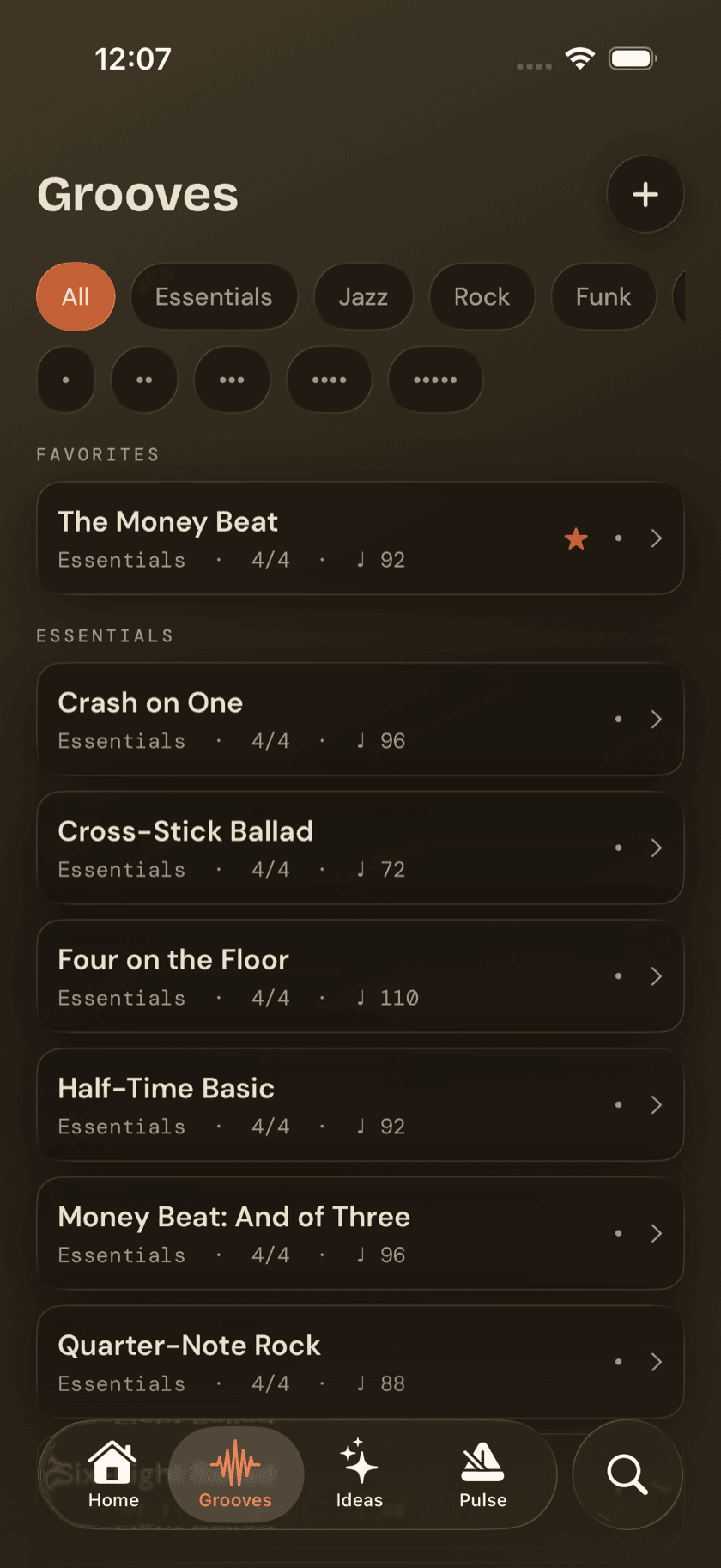
Basics
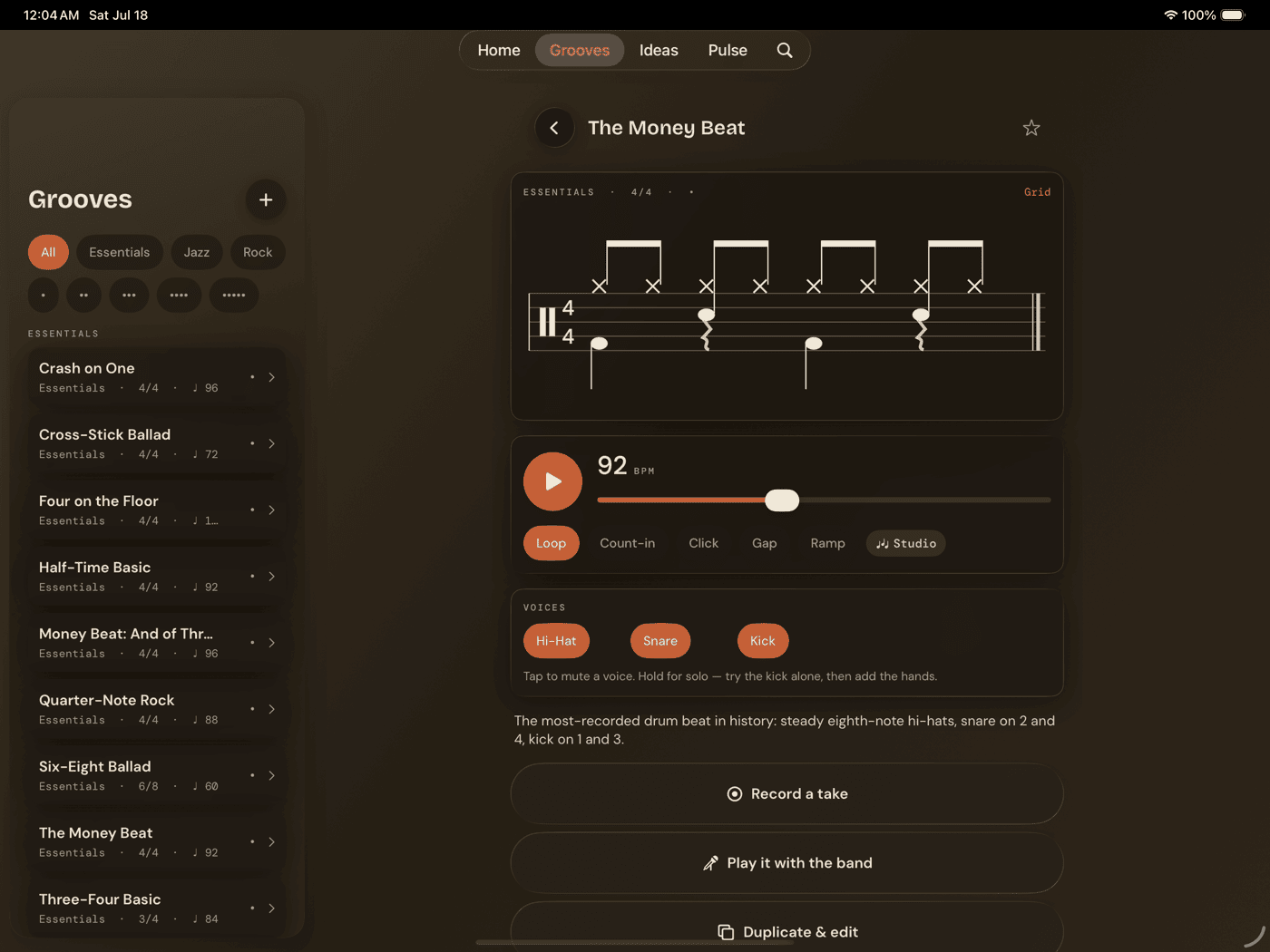
Grooves
The library and the core practice screen at once — every pattern starts here.
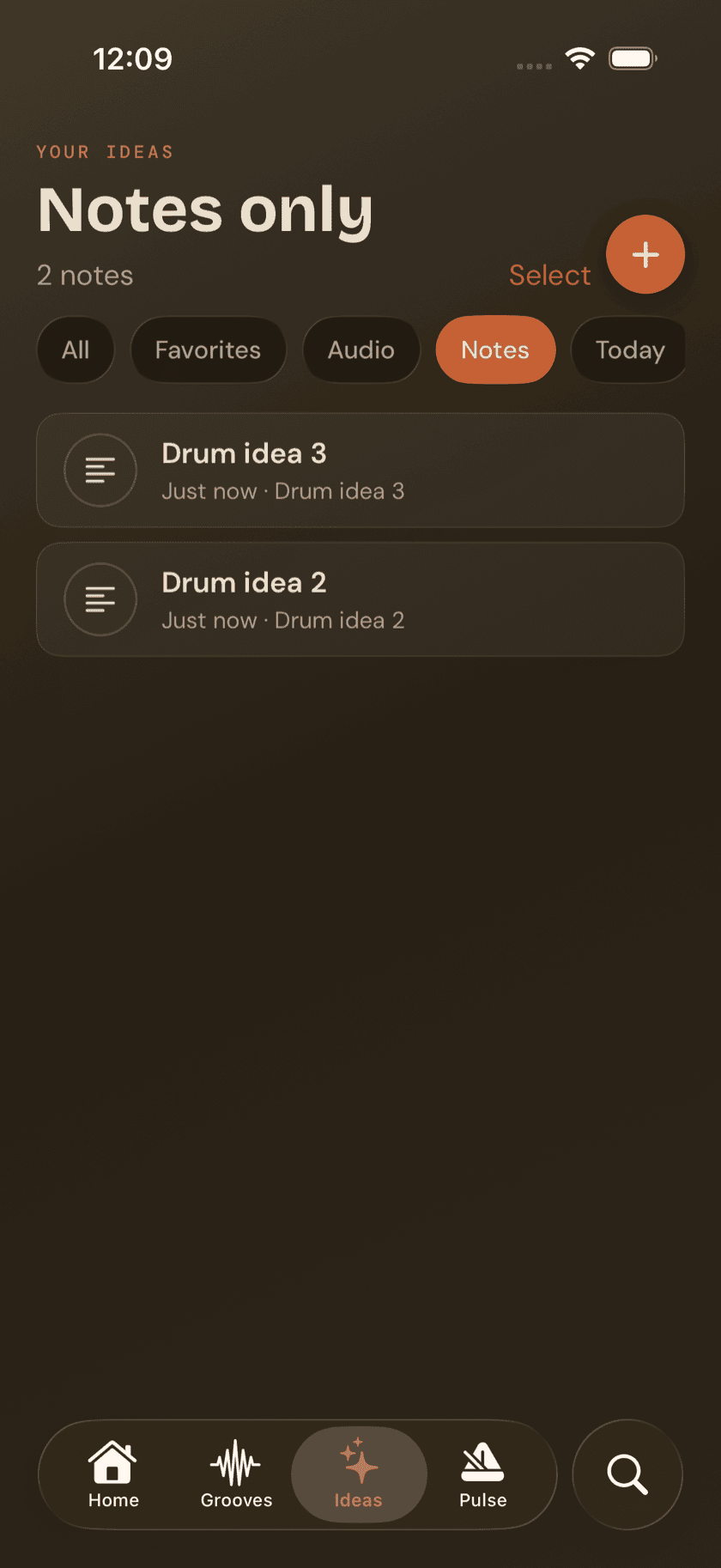
Basics
Ideas
Where a beat, a voice memo, or a stray thought lands before it's ready to be a groove.
Basics
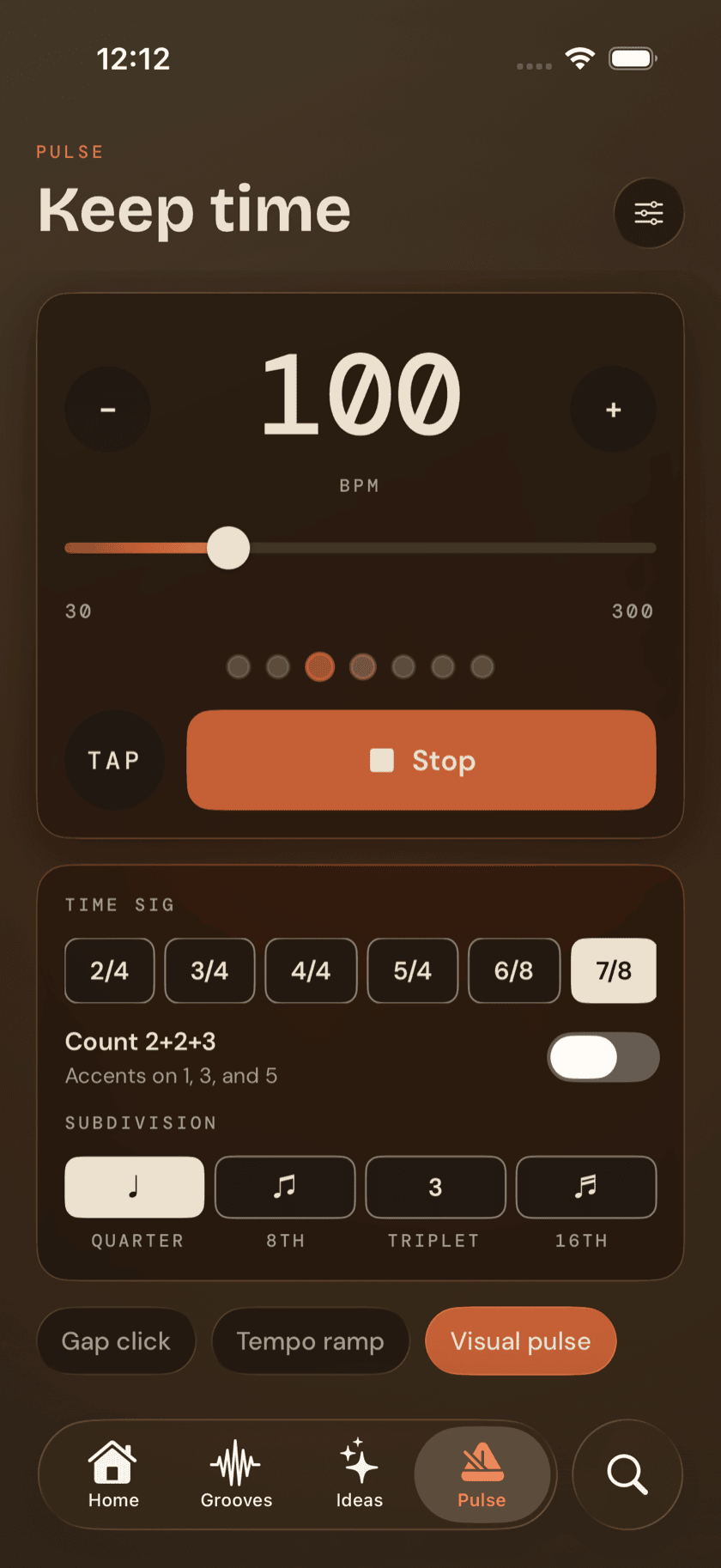
Pulse
The metronome tab you'll open more than anything else.
Basics
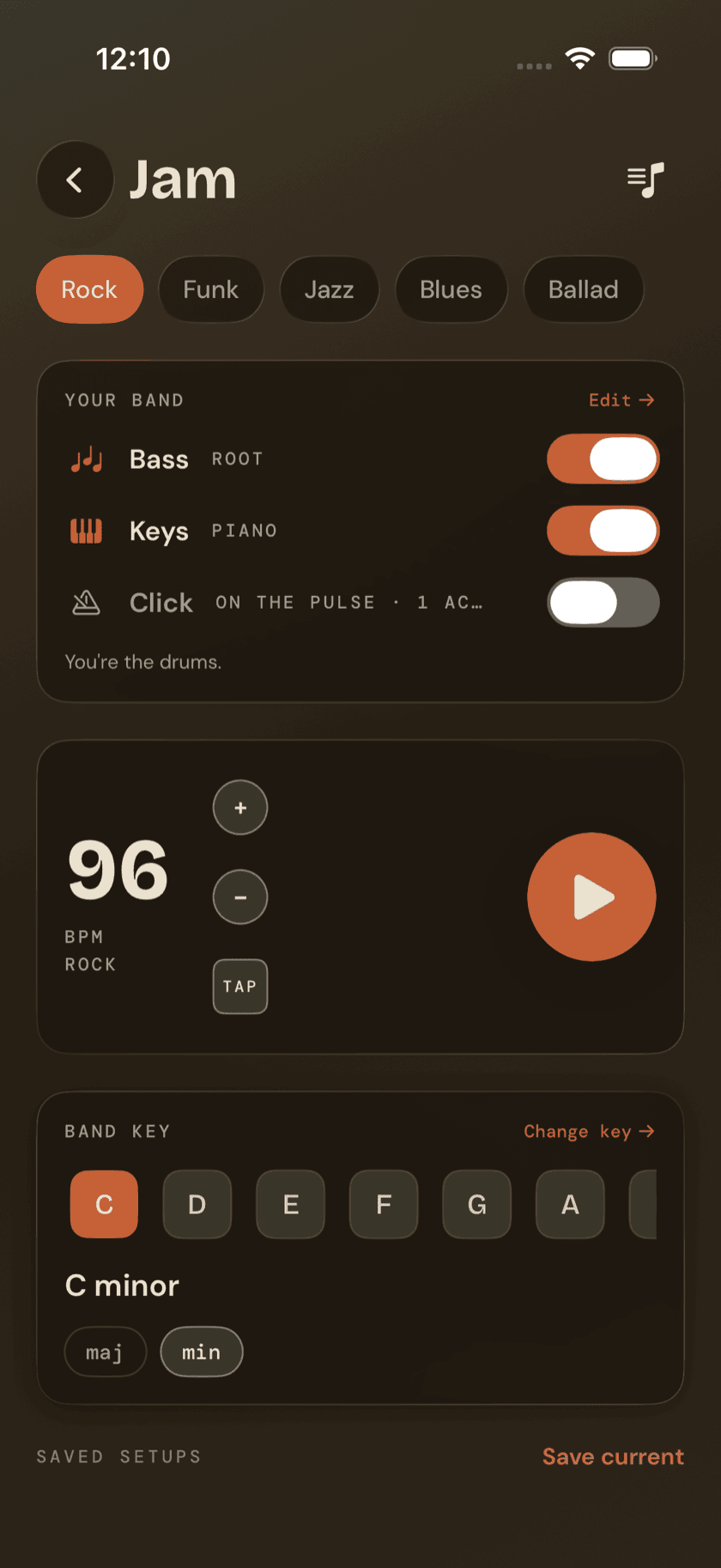
Jam
The band plays, you drum — the one screen that runs backwards from the rest of the family.
Practice Hub
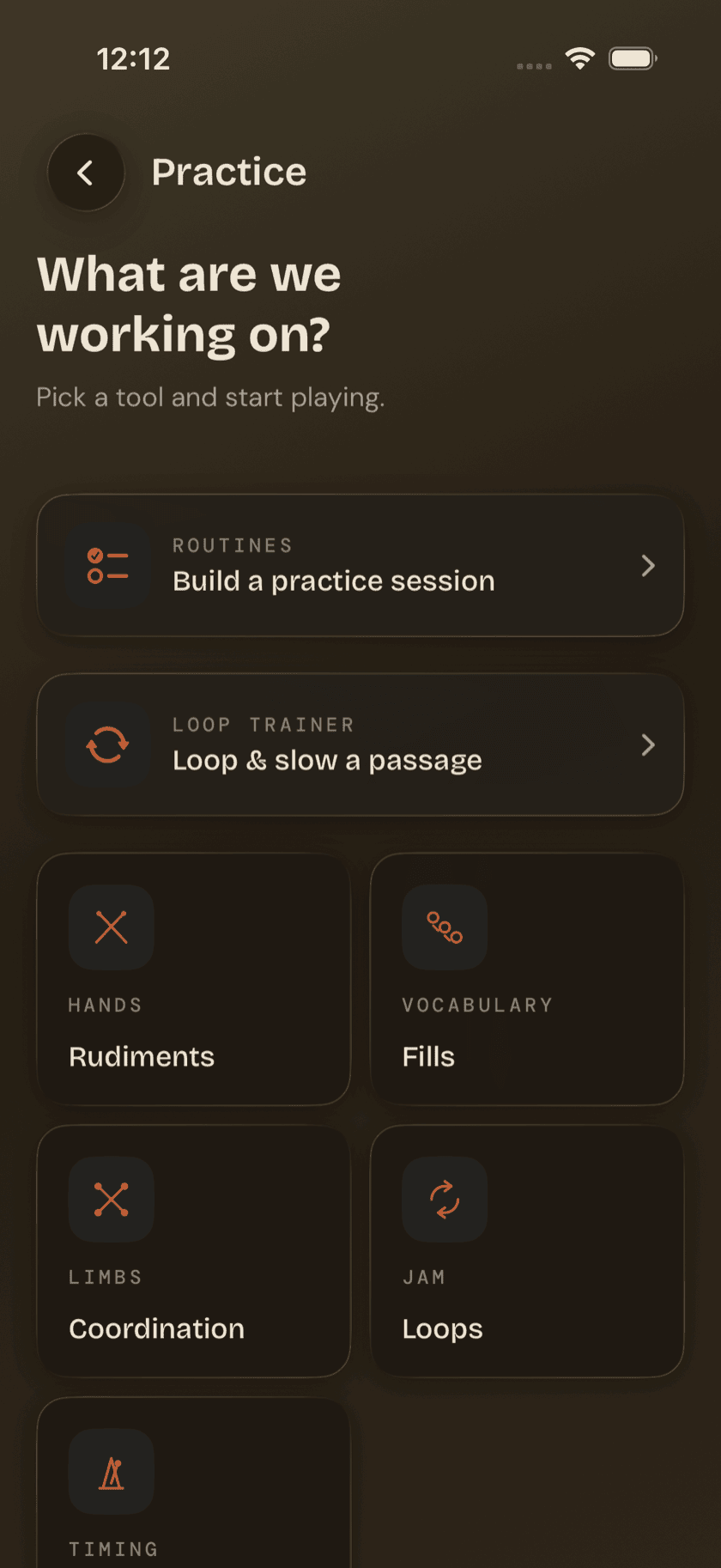
Practice Hub
A map of every structured practice tool, before the tool pages that follow.
Practice Hub
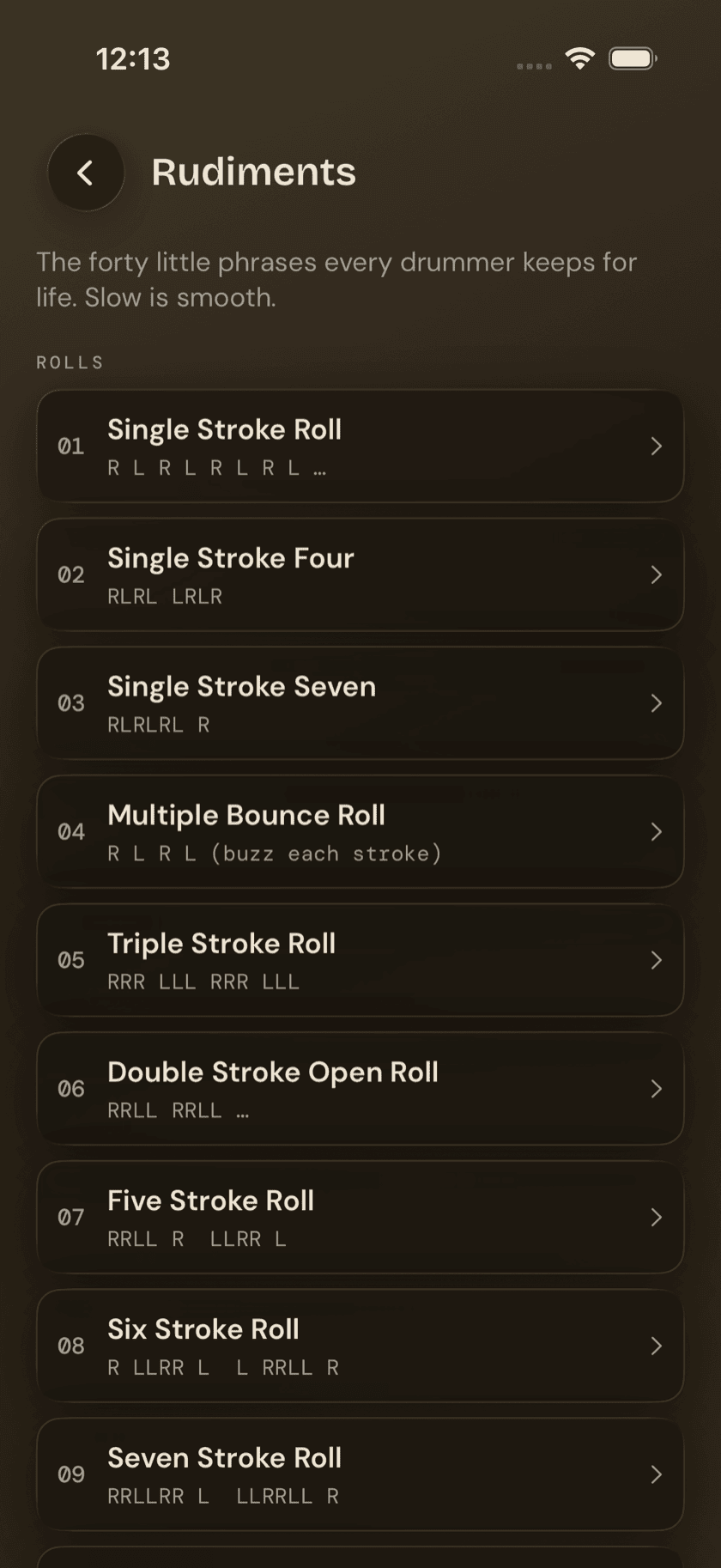
Rudiments
All 40 PAS standard rudiments, notated and playable at your tempo.
Practice Hub
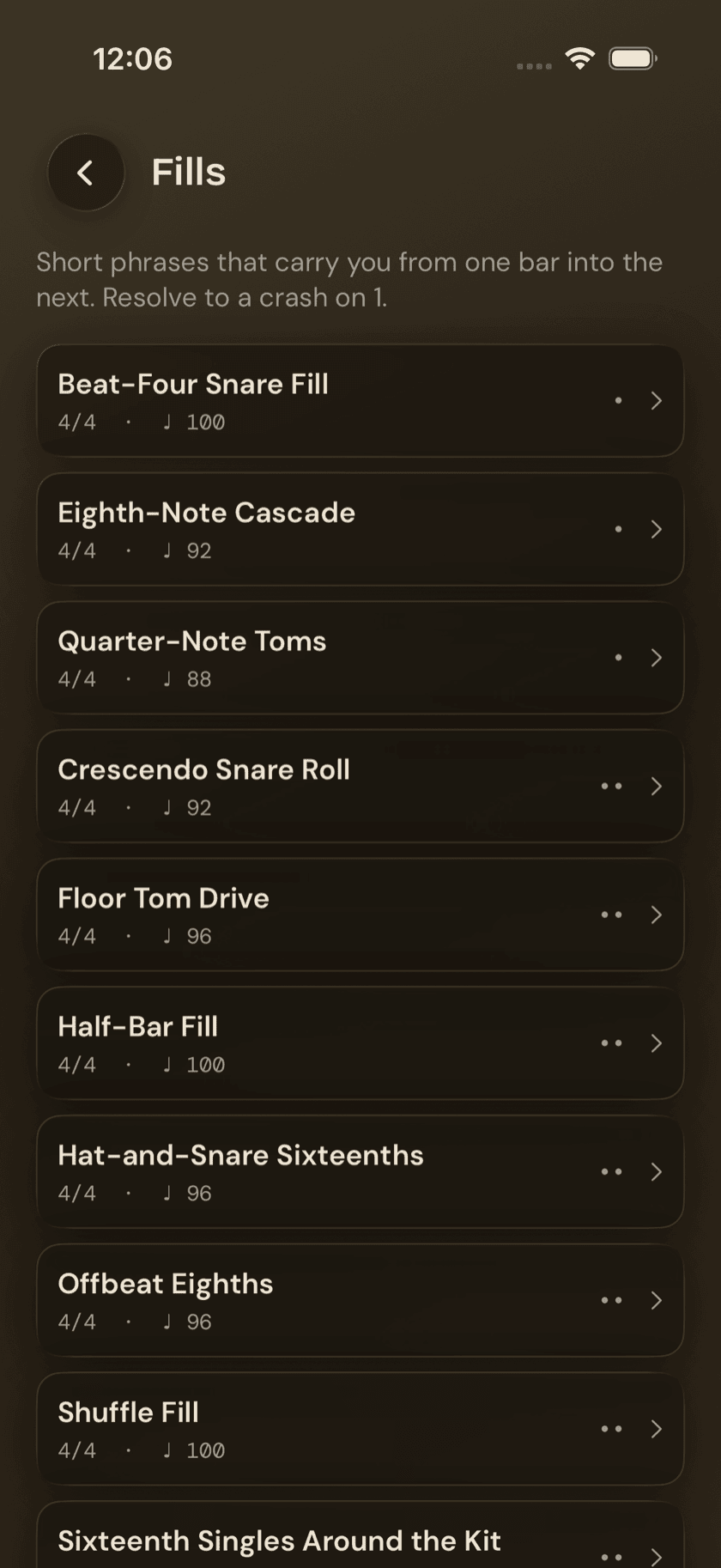
Fills
One- and two-bar phrases that bridge one bar into the next.
Practice Hub
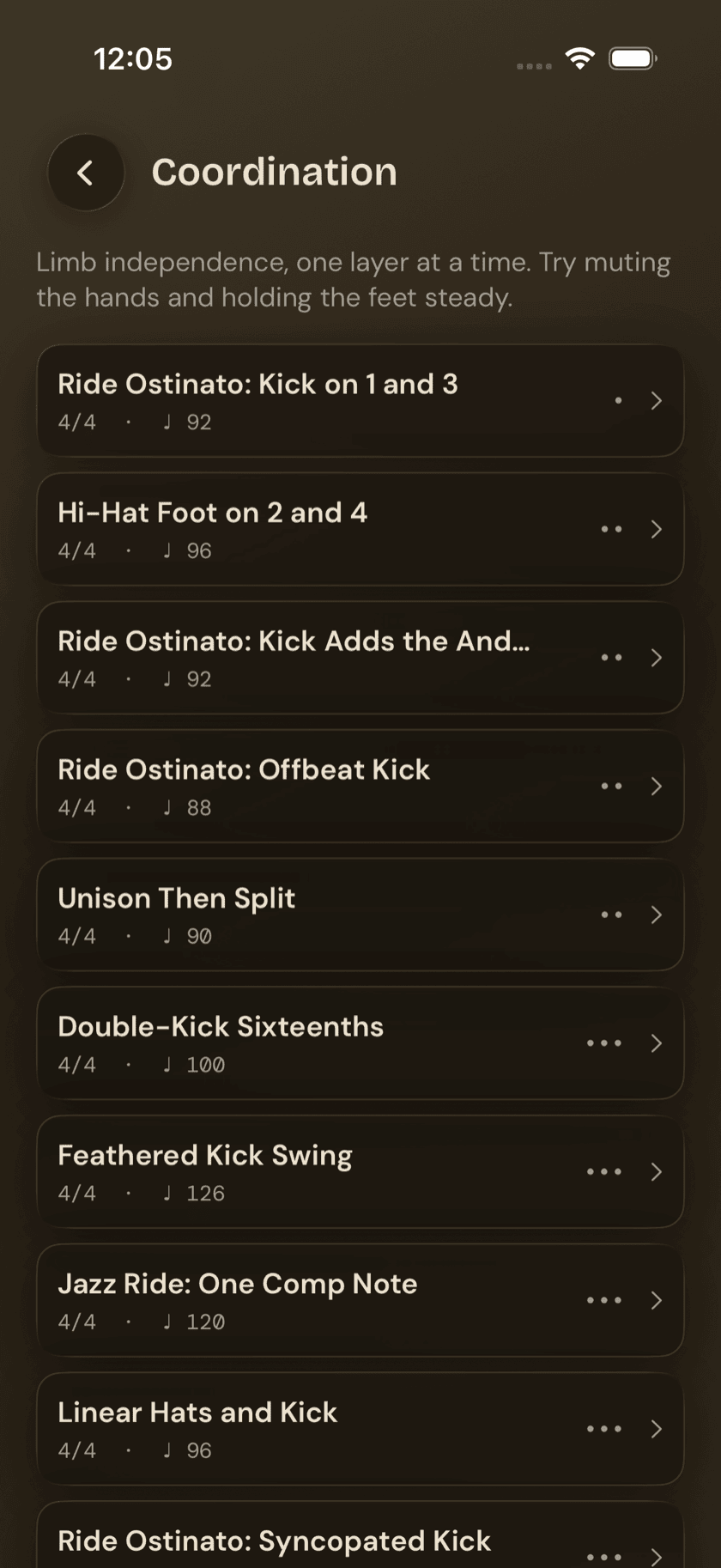
Coordination
Sixteen patterns built to train hands and feet doing genuinely different things.
Practice Hub
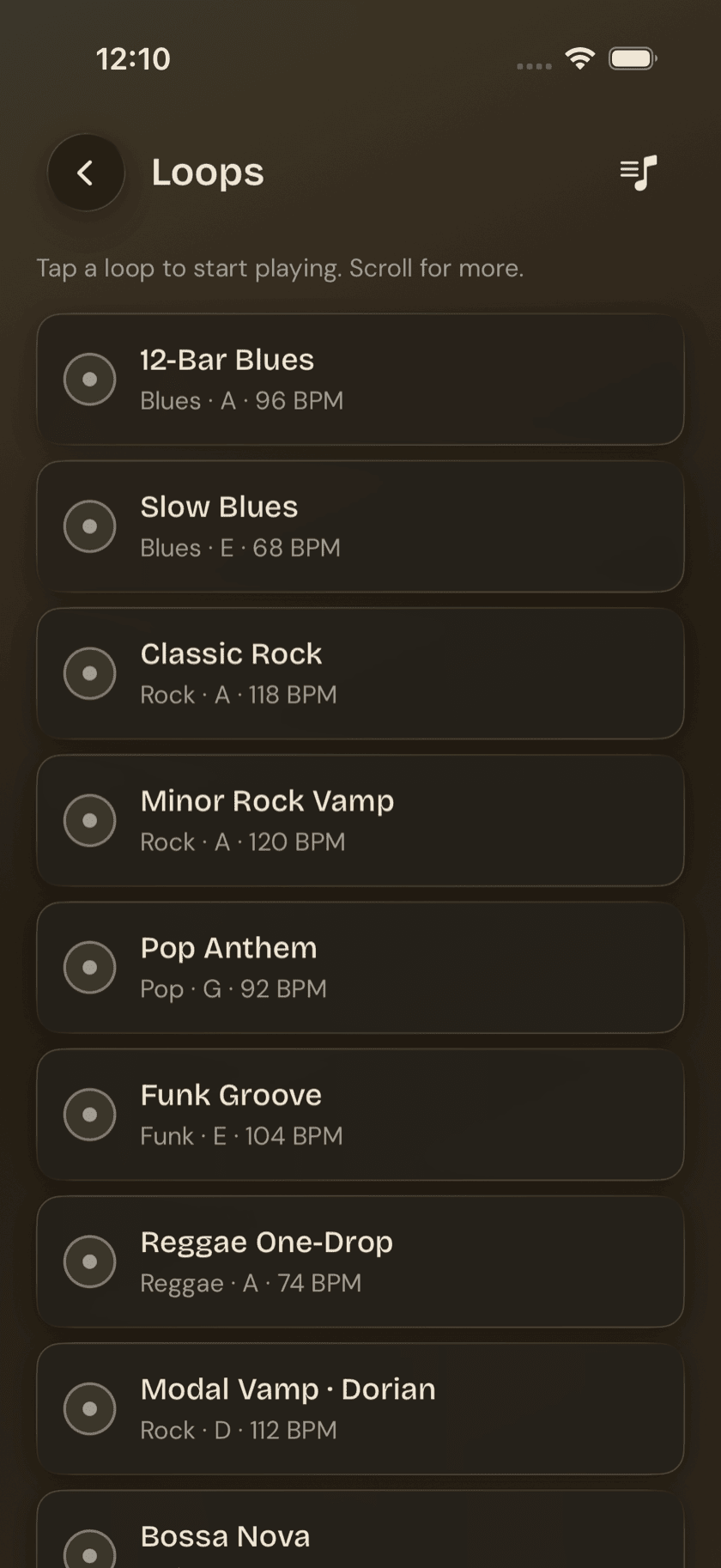
Loops
A library of backing tracks, plus a slow-it-down trainer for a stuck passage.
Practice Hub
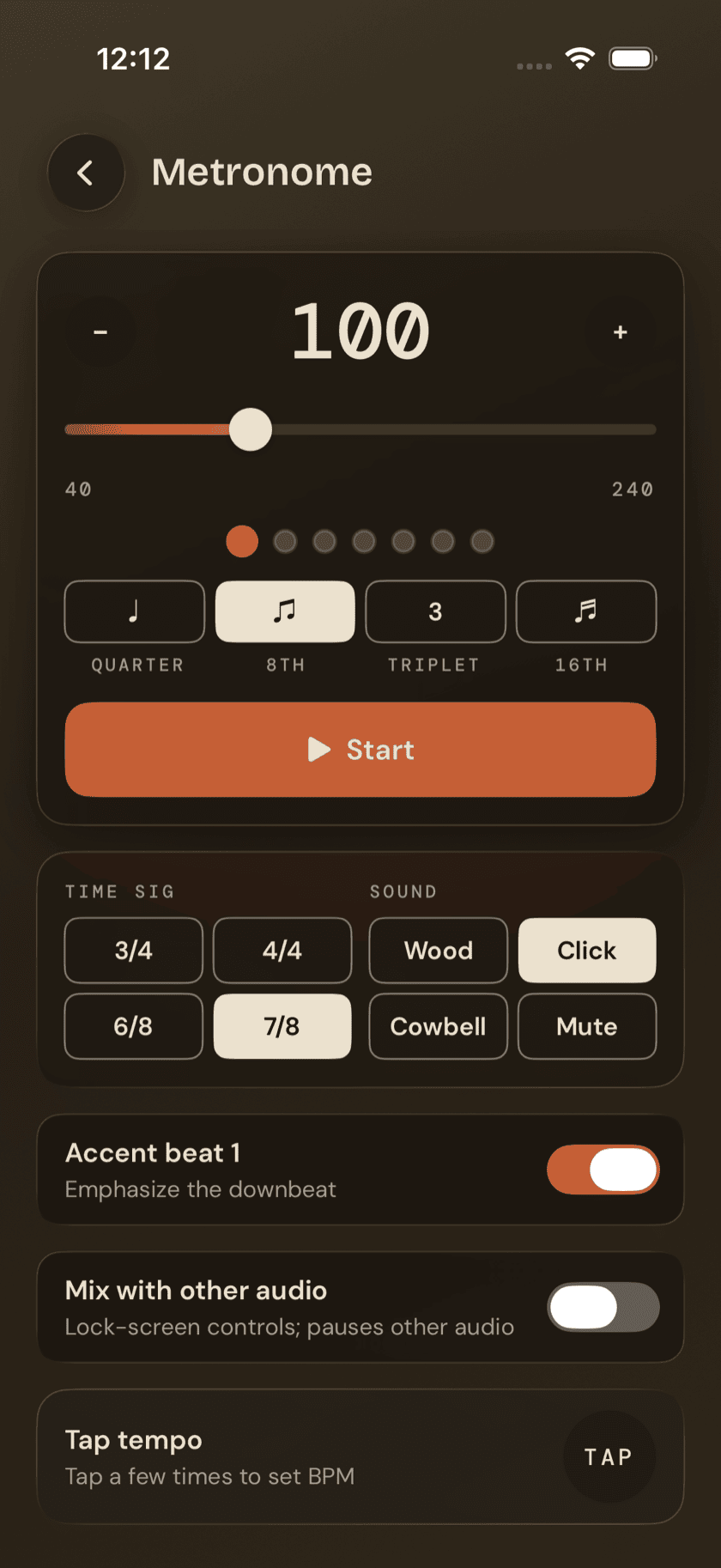
Metronome
A lighter, single-screen click built to drop into a loop or a routine step.
Practice Hub
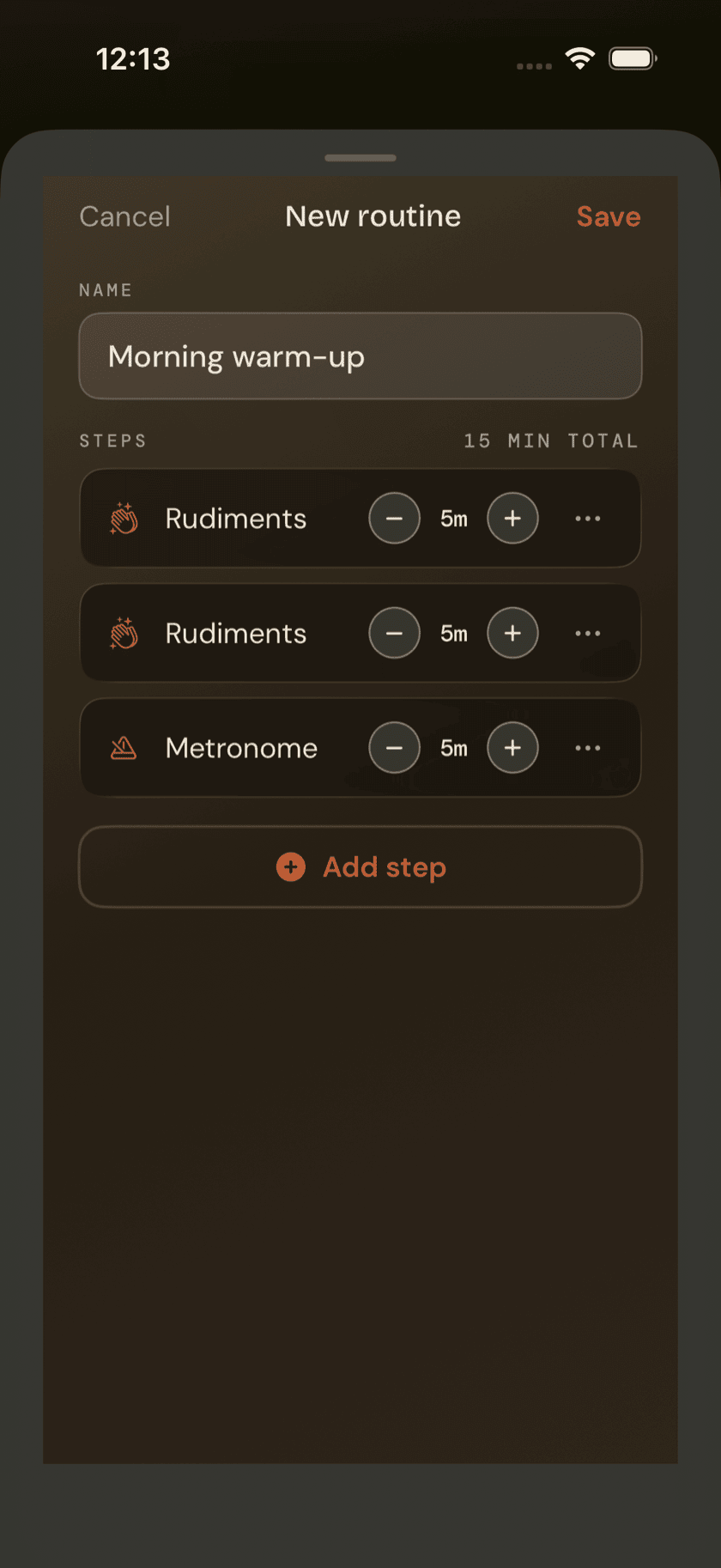
Routines
Chain your practice tools into one guided session, logged automatically.
More
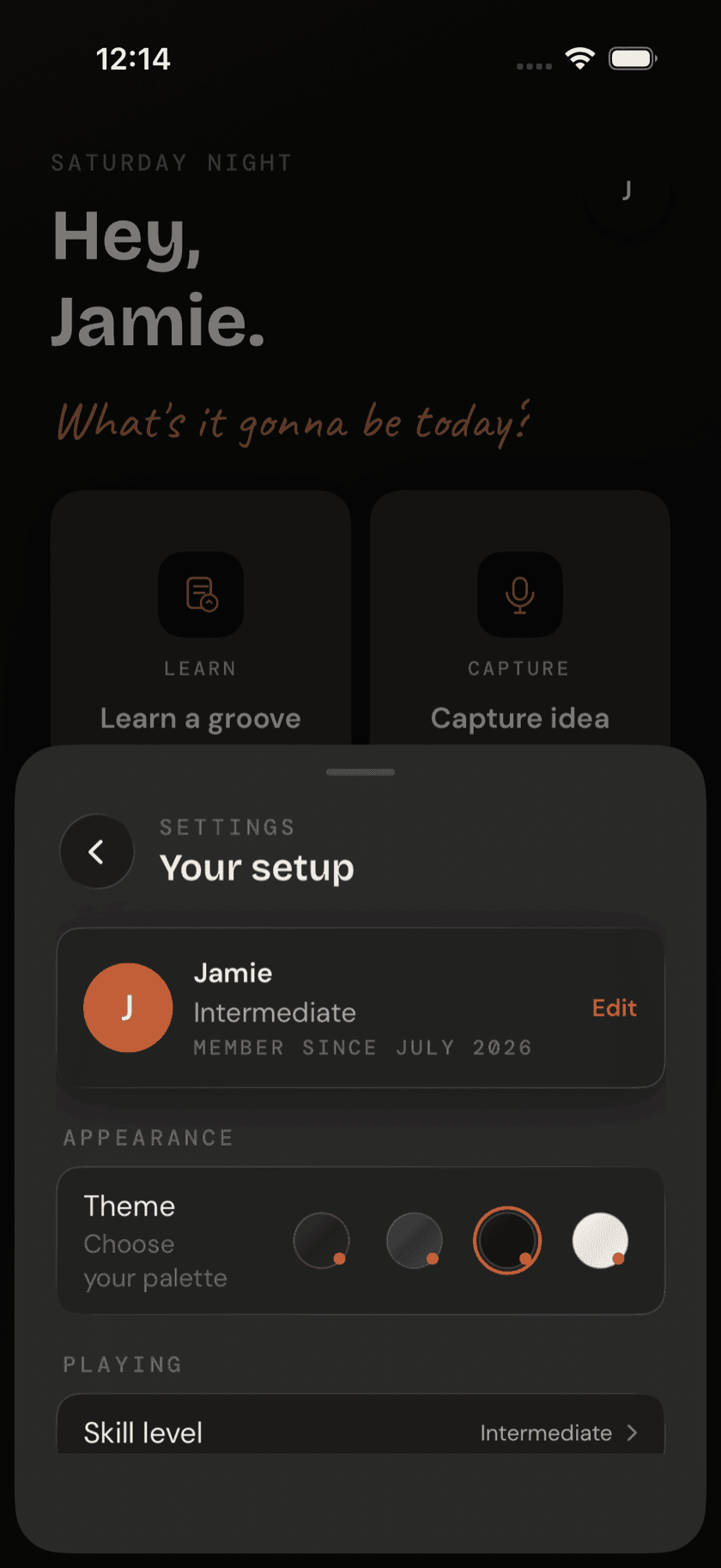
Settings
Appearance, permissions, recording defaults, and everything else in one sheet.
More
Drum Buddha Everywhere
iPad, Apple Watch, Widgets, and Mac.